Mobile application development Capture the work where it
happens, online or offline.
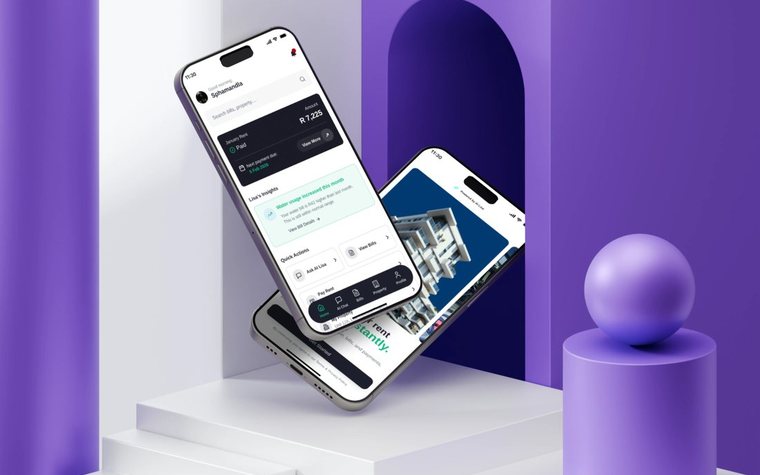
GEMIS builds mobile applications that extend a business system to the people working away from a desk — on site, on the road or in the community — so what they capture reaches the rest of the business without being typed in again.
The situation
When the work happens far from the system
Inspections, collections, sessions and site visits are often recorded on paper or in messages and typed in later. By then details are missing, the office is working from yesterday’s picture, and someone is re-entering what was already written down.
Signs you may recognise
- Field staff fill in forms that are captured again later.
- Photos and notes arrive by message and are filed by hand.
- The signal on site is unreliable, or absent.
- The office cannot see what was done until someone reports back.
Evidence from real projects
Where this has been done
Projects whose recorded scope shows this work. All case studies
Non-profit — gender-based violence and HIV prevention
Sonke Gender Justice
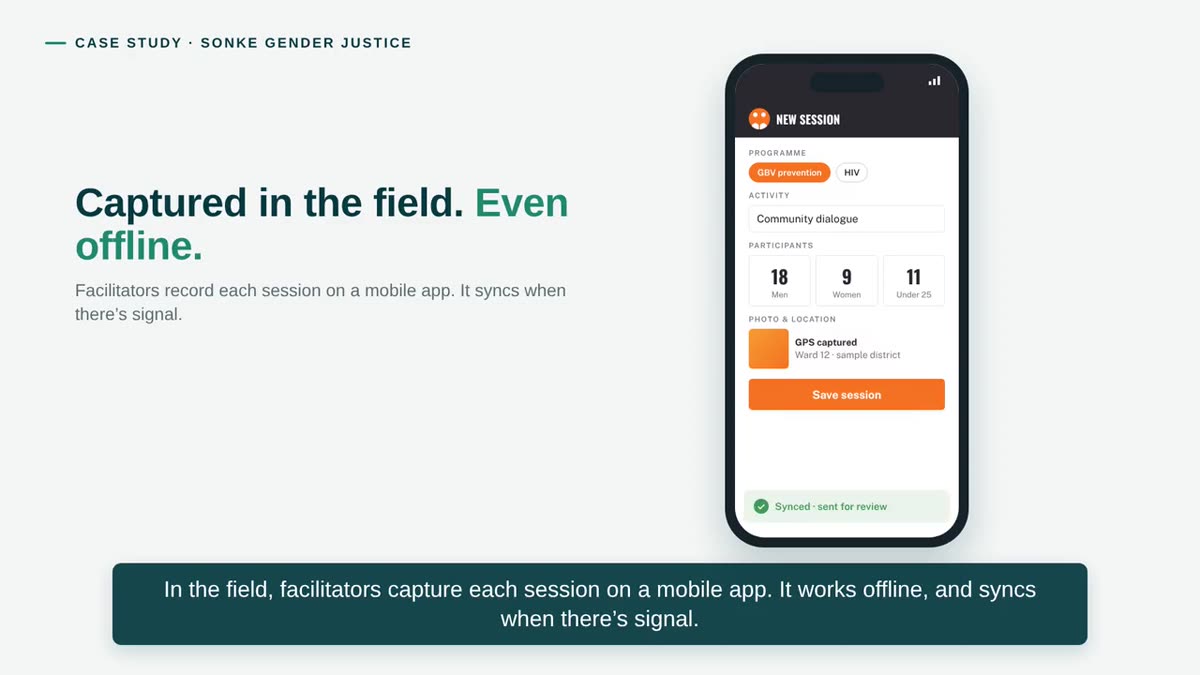
Facilitators capture each session on a mobile app that works offline and syncs when there is signal; M&E officers then check and approve every record.
Read the case study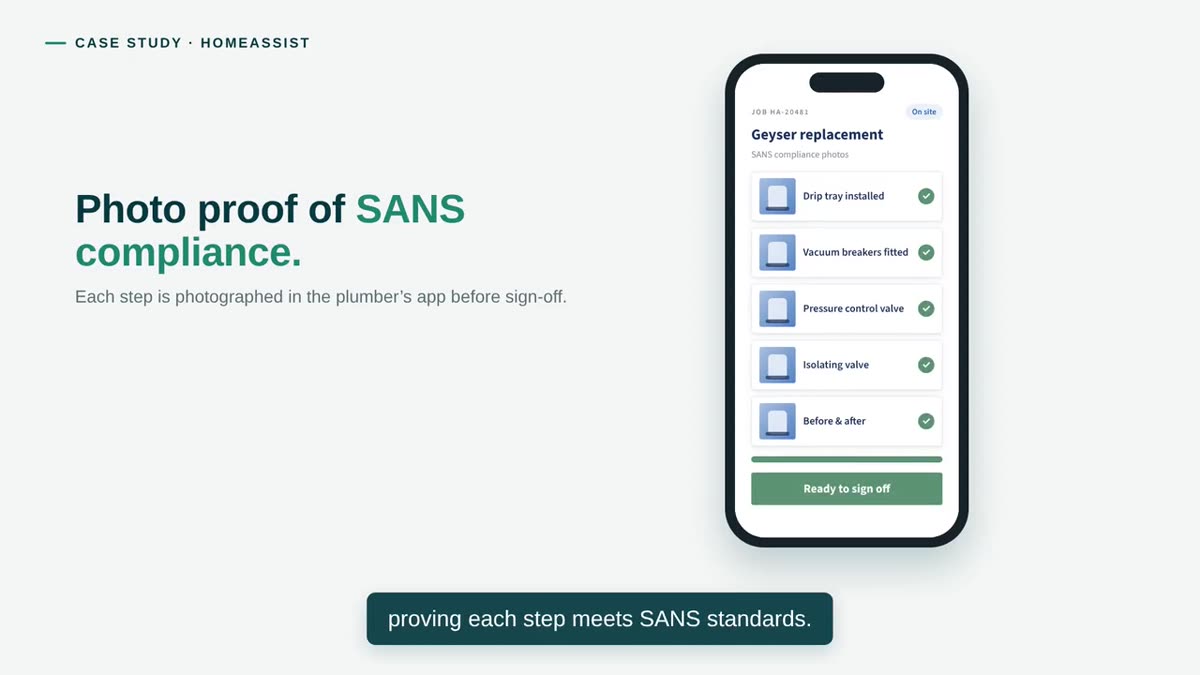
Insurance and home services — plumbing repairs
HomeAssist
Plumbers photograph each step of a job in the app, as proof that the work meets SANS standards.
Read the case study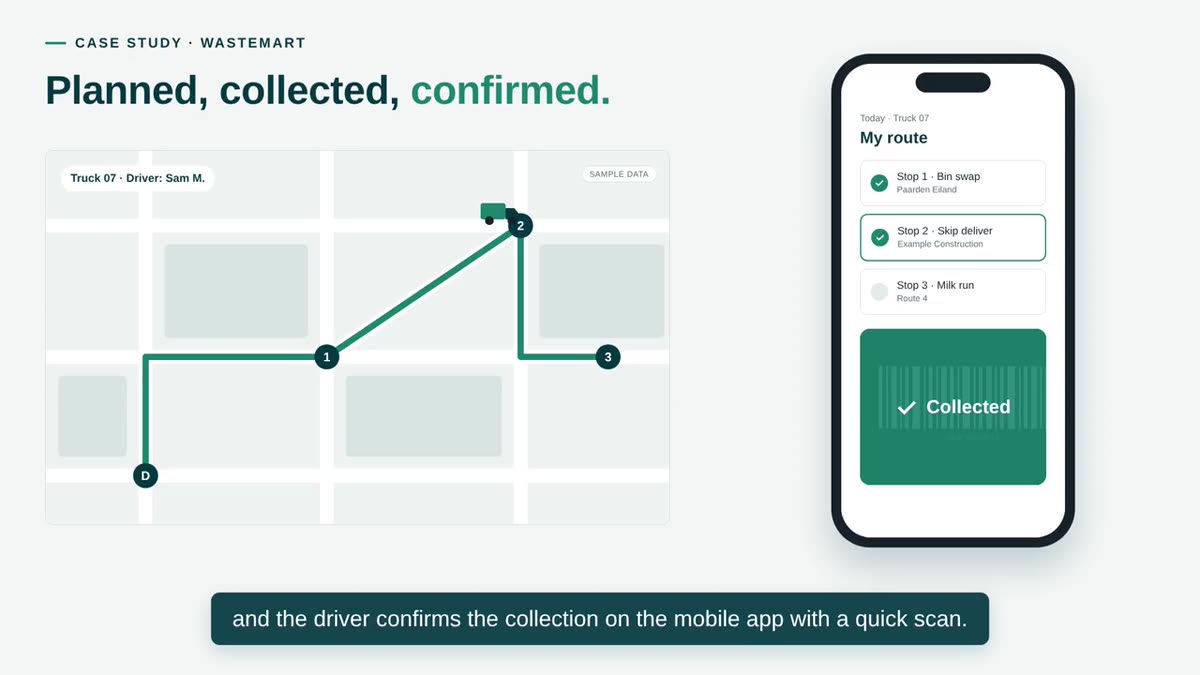
Waste management and skip hire
WasteMart
Drivers confirm each collection on the mobile app with a scan, and the order updates for managers and customers.
Read the case studyWhat GEMIS delivers
Field work, captured once
What GEMIS’s mobile apps are built to do.
-
Field operations
Jobs, routes and tasks on the phone of the person doing them.
-
Inspections
Structured checklists and photo evidence captured at each step.
-
Incident reporting
An incident recorded where it happens, with the details that matter.
-
Data collection
Forms designed for the task, with validation before anything is sent.
-
Offline functionality
Capture continues without a connection; records wait on the device.
-
Synchronisation
Records reach the central system once a connection is available.
How the engagement works
Designed in the field, not at a desk
A field app succeeds or fails on conditions the office never sees.
-
Follow the work
Where it happens, on what devices, with how much signal.
-
Design for the task
The few things a person in the field must do, made quick.
-
Plan for connectivity
What must work offline, and how records sync when signal returns.
-
Connect to the system
The app as part of the business system, not beside it.
-
Test where it is used
Checked in realistic conditions before the whole team relies on it.
Questions
Common questions
The questions that come up first about Mobile application development. Anything not answered here is worth raising in a discovery conversation.
Can the app work without a connection?
Yes, where the work needs it. Offline capture is designed in from the start: records are kept on the device and sent when a connection returns, as Sonke Gender Justice’s facilitators do. What can be done offline is decided per app, because some tasks need live information.
Android, iOS or both?
That depends on the devices your team uses and is decided during discovery. Many field teams use a mix, and the approach is chosen to suit it.
How does data from the app reach the office?
The app is connected to the central system, so a record captured in the field is available to the office once it has synced. There is no second system to retype into.
How is information on the devices protected?
Access is tied to each person’s sign-in. The specific protections — what is stored on the device, and how access is withdrawn from a lost phone — are designed for each app according to the information it holds.
Who maintains the app after launch?
Mobile apps need updates as phones and operating systems change. GEMIS can maintain the app as part of ongoing support.
Mobile application development
Tell us where your work happens.
Who is in the field, what they record and what happens to it now. We come back within two working days with a short written view and a time to talk.