Software modernisation Improve the system you depend
on, one stage at a time.
GEMIS modernises existing software and infrastructure — moving it to the cloud, redesigning interfaces, improving performance, adding features and migrating data — in stages planned to keep disruption to daily operations low.
The situation
When the system cannot be switched off
The system a business has outgrown is often the one it relies on most. Replacing it in one go is risky: data has to move, people have to relearn their work, and everything has to function on the first day. Improving it in stages lets the business keep working while the risk comes down.
Signs you may recognise
- The system is slow, dated or hard to change.
- It runs on infrastructure near the end of its life.
- Workarounds have grown up around its gaps.
- Replacing it outright feels too risky to begin.
The difference
Replacing everything is not the only option
| Replace in one go | Improve in stages | |
|---|---|---|
| Risk | Concentrated on one switch-over. | Spread across smaller, reversible steps. |
| What is kept | Little of the old system. | What works well stays; what causes friction changes. |
| Users | Relearn everything at once. | Adjust to one change at a time. |
| When it fits | The old system cannot be salvaged. | The system is sound underneath but holding the business back. |
How the engagement works
A modernisation is a sequence of decisions
Each stage is planned, checked and settled before the next begins.
-
Review
What the system does, how it is used and what it runs on.
-
Separate
What works well from what people have learned to work around.
-
Assess risk
Technical and operational risks of each change.
-
Prioritise
Stages ordered by what costs the business most today.
-
Migrate and validate
Data and infrastructure moved, then checked against the old system.
-
Transition
Users moved across carefully, with support continuing afterwards.
What GEMIS delivers
Kinds of improvement
Most modernisations combine several, in an order agreed with you.
-
Cloud migration
Moving the system and its data to Microsoft Azure.
-
Interface redesign
Making a dated interface clearer without changing what works underneath.
-
Performance improvements
Finding and fixing what makes the system slow.
-
Feature expansion
Adding what the business now needs to a system it already knows.
-
Data migration
Moving records once, cleaning them as they go, and checking them afterwards.
-
Staged rollouts
Changes introduced in planned stages, with a way back where possible.
Evidence from real projects
Where this has been done
Projects whose recorded scope shows this work. All case studies
Mining — diamonds
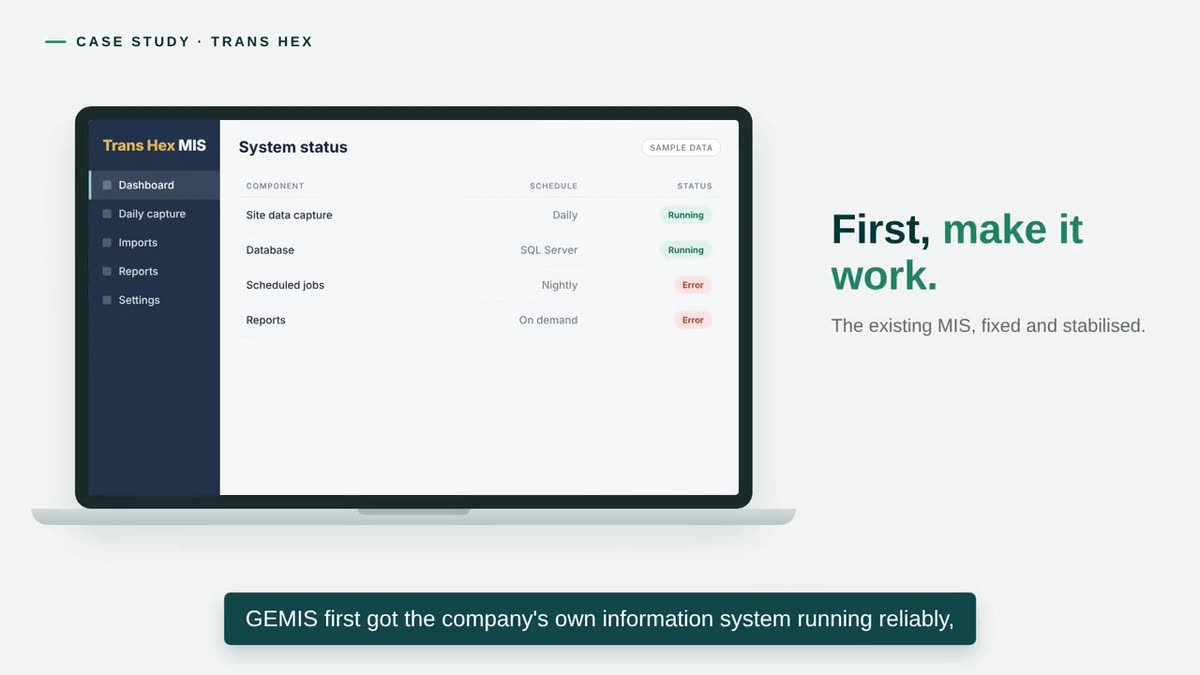
Trans Hex Group
GEMIS first stabilised the company’s own information system, then automated its SAP feed and built reporting into it. A second version extended it with weekly figures, forecasts and variances.
Read the case study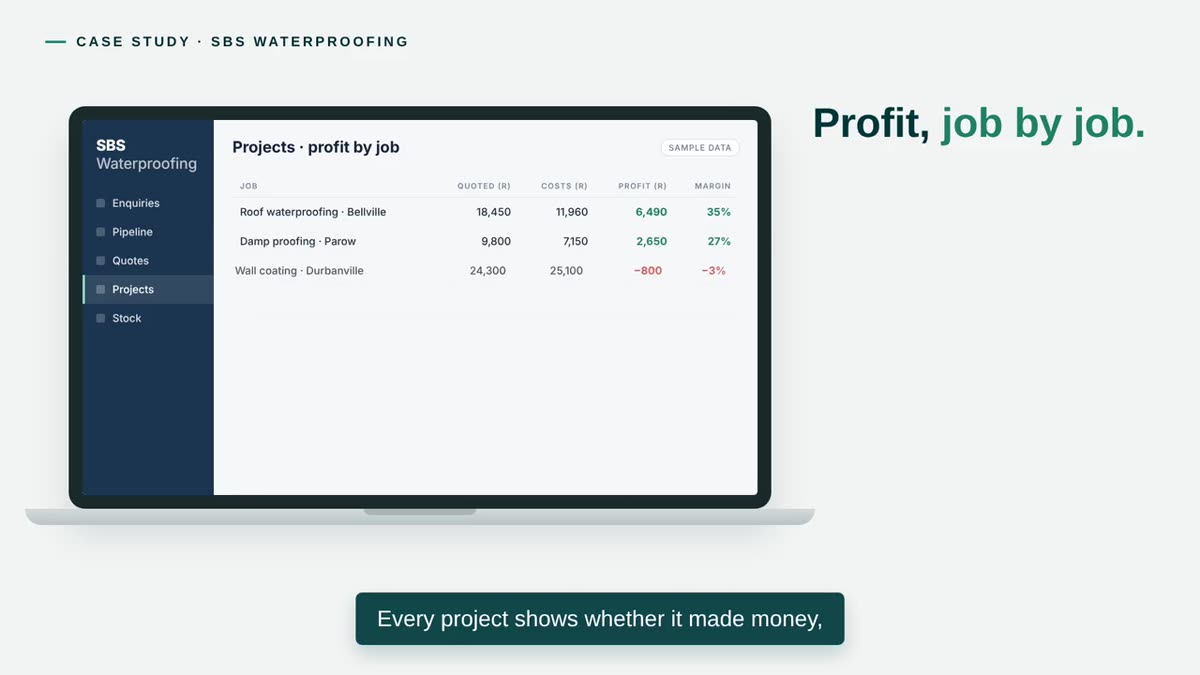
Construction services — waterproofing and roofing
SBS Waterproofing
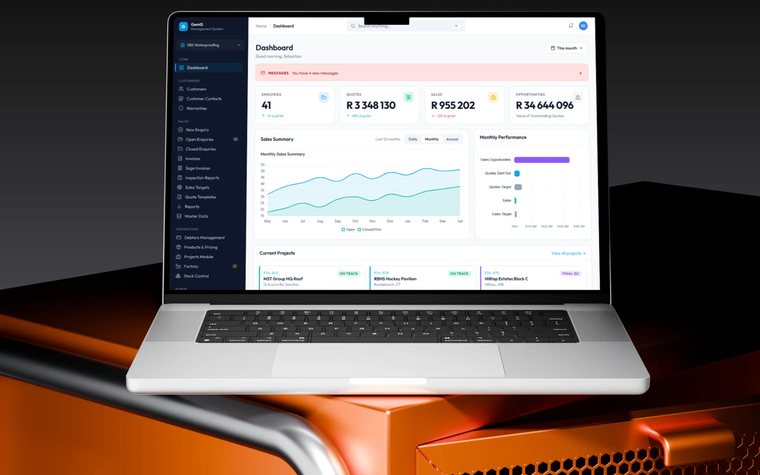
The business system built in 2015 has been extended over more than a decade as SBS grew, and was later generalised into the ManaGEM product.
Read the case studyQuestions
Common questions
The questions that come up first about Software modernisation. Anything not answered here is worth raising in a discovery conversation.
Do we need to replace the whole system?
Not necessarily. Often the parts that work can stay while the parts that cause friction are improved or replaced in stages. Sometimes replacement is the better choice; the review is where that is decided.
Will there be downtime?
We plan stages to keep disruption low — for example by running old and new side by side and scheduling switch-overs at quiet times — but some changes need a short interruption. Any expected downtime is identified and agreed with you before it happens.
What happens to our existing data?
It is mapped, migrated, and checked against the existing system before anyone depends on it. Older records may be archived rather than moved; that is decided with you.
How do you decide what to improve first?
By weighing the friction each part causes against the risk and effort of changing it. The usual starting point is whatever costs the business most today.
Can you modernise a system we did not build?
Often, after reviewing the code, the infrastructure and any documentation. The review tells us whether improving it makes sense or whether another route is better.
Software modernisation
Tell us about the system you depend on.
What it does, what it runs on and what holds you back. We come back within two working days with a short written view and a time to talk.